On court
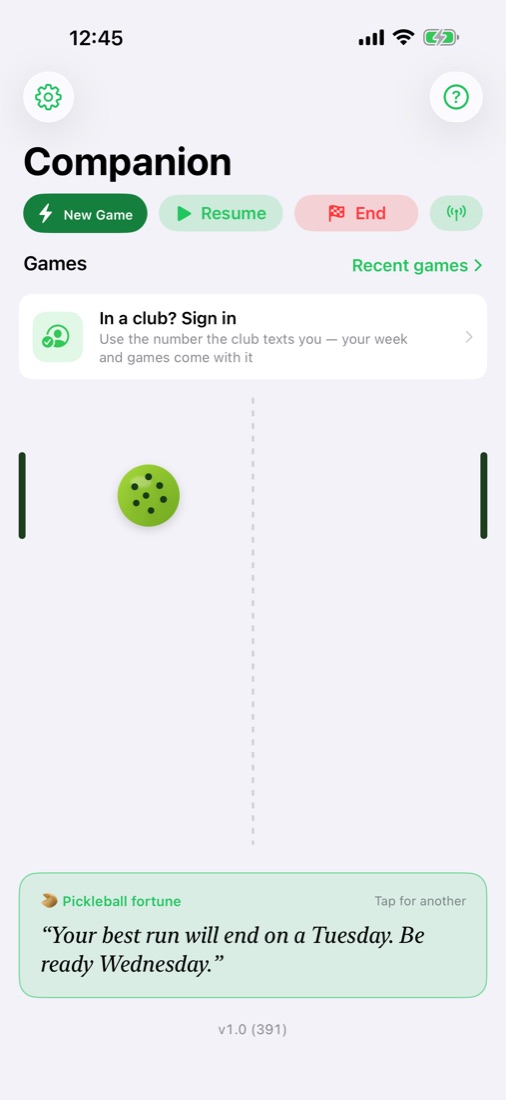
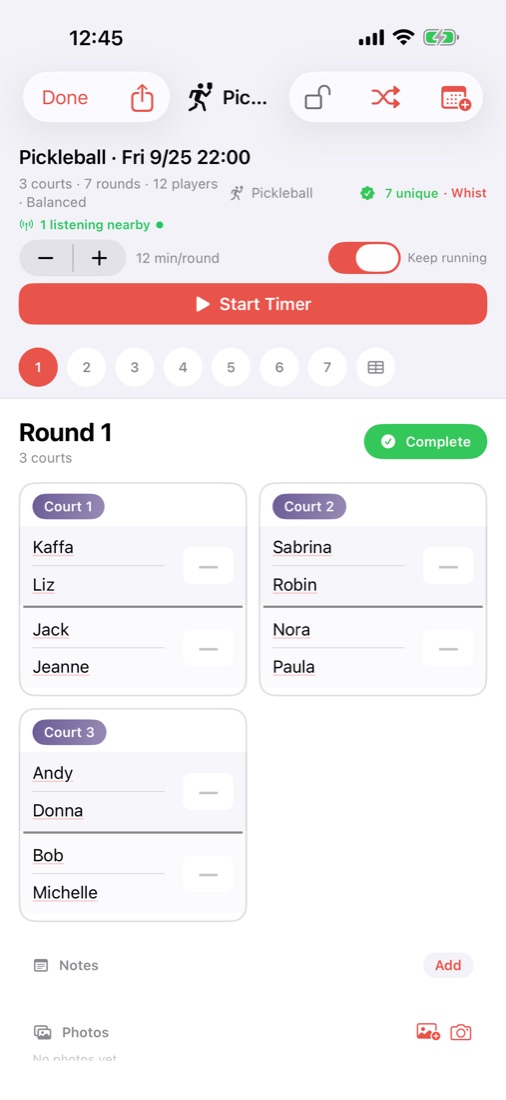
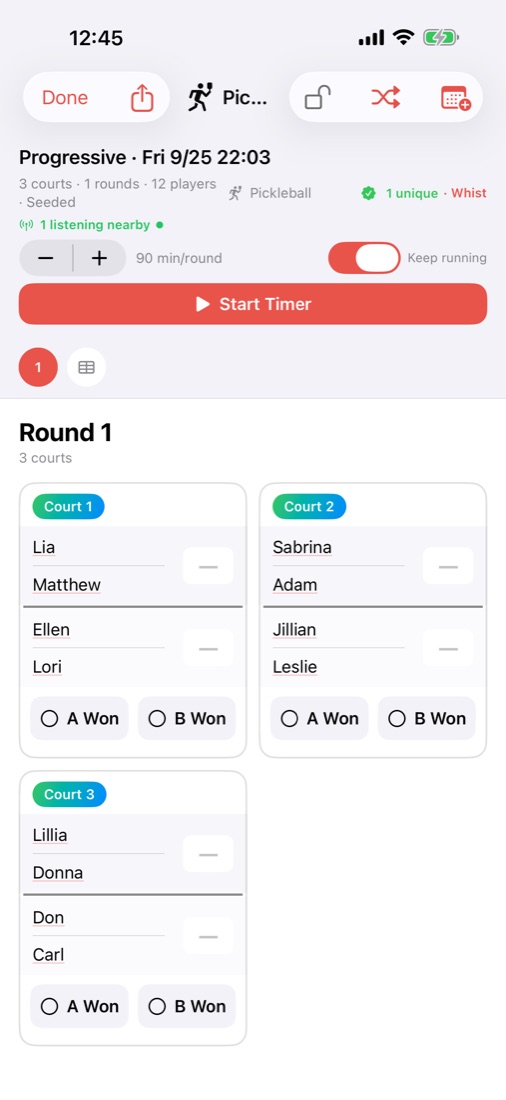
Anyone can run a game. Use your own players, or open one of your club's games for the week and the players are already in it.
Your club's week
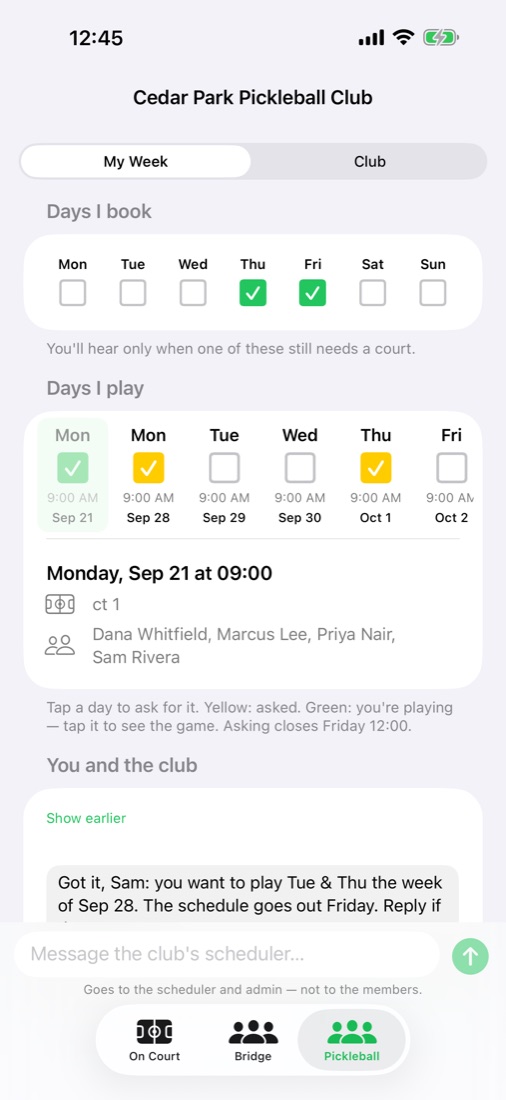
If your club runs on PickleFamilia, sign in with the number it texts you. Each club gets its own tab.
- Ask for days with a tapYellow means you asked. Green means the schedule is out and you're playing.
- Answer without typing"I'm in" and "Can't play" are buttons, on the screen and on the notification.
- Message the clubIt goes to the scheduler and the admin, and the answer comes back in the same place.
- Nearby, liveTap Listen, and when someone runs a game with you in it, your court and score show up on your phone.
Run the club from your phone
What the club's web panel does, the admin does here — and bookers keep the courts.
- BookersMark the days you book. Hear only when one of them still needs a court. Record the court you got, in two taps.
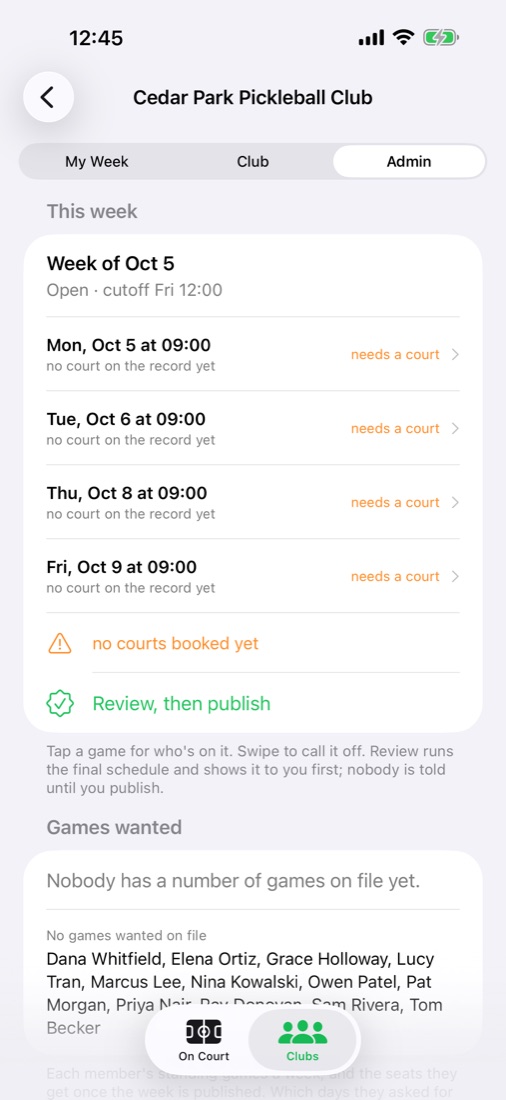
- The weekOpen it. Review the schedule before anyone is told, then publish. Call off a game. See who asked for what, and who hasn't said.
- PeopleAdd a member, make a booker, put someone on a game who told you by phone. Message everyone, the bookers, or one person from the club's number.
- The clubIts name, its usual week, its venue and courts, the days it's closed.
Bring it to the courts
Get Companion for iPhoneNot in a club yet? You don't need one to run games. To put your club's week on PickleFamilia, start a club.